
Introduction
Media Serve’s map creation service is a powerful, effective tool for companies and individuals alike. It lets them create interactive, custom maps that show their locations and services in an attractive, easy-to-use way. In this article we take a detailed look at the service, its features and how to get the most out of it.
What is Media Serve’s Google Maps service?
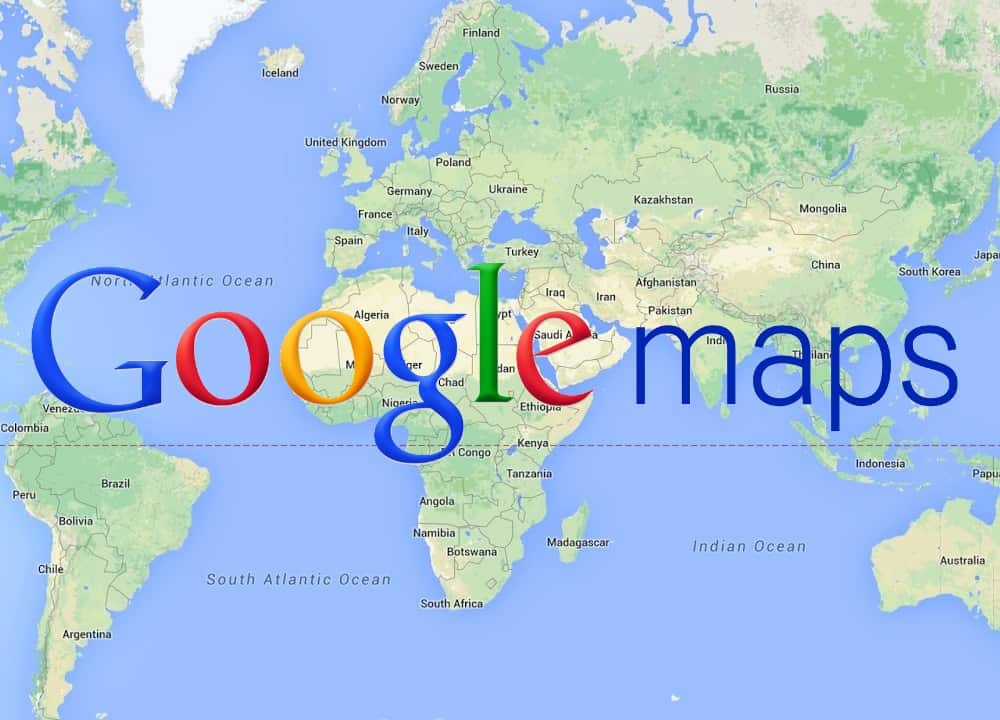
Media Serve lets users create professional, customized Google Maps through an easy interface that needs no technical experience. Users can add markers, images, text and videos to their maps, making them more interactive and appealing to customers.
Features of Media Serve’s Google Maps service:
- Ease of use: you don’t need any technical skills to create attractive maps.
- Full customization: you can fully customize the maps to suit your needs and your business.
- Interactivity: customers can interact with the maps by clicking markers and images.
- High accuracy: the maps provide high accuracy and clear location details.
- Compatibility: the maps work on every device and browser.
- Search engine optimization (SEO): maps help improve how your site appears in search results.
How can you benefit from Media Serve’s Google Maps service?
The service can be used in many fields, including:
- Real estate: showing available properties and their locations on the map.
- Tourism: creating interactive maps of tourist cities and villages.
- Restaurants: showing restaurant locations and menus.
- Companies: showing company branches and their locations.
- Events: creating interactive maps for conferences and exhibitions.
The basic steps to create a map with Media Serve:
- Sign up: create an account with Media Serve.
- Start a new project: choose the map template that suits you and start customizing.
- Add elements: add markers, images, text and videos to the map.
- Customize the design: change the colors, fonts and layout of the map.
- Publish: publish the map on your website or social media.
Tips for creating effective maps:
- Clarity and simplicity: keep the map design clear and simple so users understand it easily.
- Focus on what matters: don’t overload the map with information — focus on what makes your location or service stand out.
- Use high-quality images: use high-quality images to catch users’ attention.
- Keep it updated: update the map regularly to add new information or correct existing details.
Conclusion
Media Serve’s Google Maps service is a powerful, effective way to strengthen your online presence and increase customer engagement with your brand. In this article we covered the service’s features and how to get the most out of it. Don’t hesitate to try it to create interactive, custom maps for your business.